


How Gocabish Prevents Problems Before They Happen on Pune to Chopda
The best safety system is one that prevents issues before they start. Gocabish puts most of its effort into prevention rather than dealing with problems after the trip.
- Driver Fitness Checked Before Dispatch – Drivers are asked to confirm they're well-rested and fit before taking any outstation booking. Sick or fatigued drivers are asked to stand down.
- Weather Check Before Long Trips – During monsoon, winter fog, or extreme heat, an extra check is done on vehicle readiness before dispatch on long routes like Pune to Chopda.
- Fuel Checked at Departure – Cars leave the yard with a full tank. We don't send a car out and expect the driver to fuel up en route before reaching Pune.
- Passenger Pickup Confirmed Before Departure – Driver confirms pickup location and time with the passenger before starting towards Pune. Prevents wrong-address arrivals or missed pickups.
- Background Checks Renewed Annually – Driver verification isn't a one-time thing. Background checks are renewed every year so our records stay current.
- High-Risk Routes Reviewed Seasonally – Routes that become more challenging in certain seasons — like mountain passes or flood-prone highways — are reviewed and updated for driver briefings.
Book Pune to Chopda Taxi in 2 Minutes – Around 447 km Route | Gocabish
Last minute plan? No problem. Booking a cab for your approximately 447 km trip takes under 2 minutes on Gocabish. Driver gets confirmed the moment you pay.
- Step 1: Enter Pickup – Quick — type your pickup location in Pune and move to the next step.
- Step 2: Enter Drop – Type your destination in Chopda. The system auto-suggests nearby areas.
- Step 3: Set Departure Time – When do you leave? Select today's time slot or any date in the week. Both work fine.
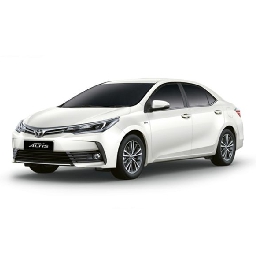
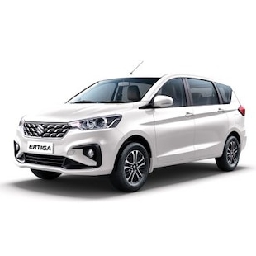
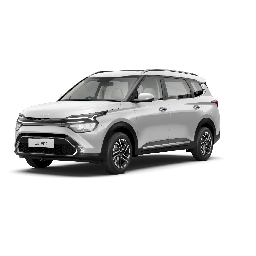
- Step 4: Pick a Car – Choose Sedan for solo travel, SUV for family. Fare shown immediately.
- Step 5: See the Final Price – Your fare for roughly 447 km shows up instantly. No calls, no bargaining.
- Step 6: Confirm in One Tap – Hit confirm and get your driver's details within seconds.
After Booking :
After placing a taxi on rent booking, you'll receive a confirmation message on your phone and email. Driver details are shared before the trip — it's important to check before your scheduled time.